
Translate selected text
Tap Ctrl twice, select text, release. A card shows the meaning right where you are. Your clipboard stays untouched.
deadline
截止期限,最後期限,期限,死線,限期
CC-CEDICT · OfflineOnline
Free · Open source · macOS & Windows
Select any part of your screen, mark it up, and keep it floating above your work. Translate or copy text from anywhere with one shortcut.
Latest preview · No account, no tracking
Drag a region, or click a window or element. Tab switches detection.
P pen, A arrow, R rectangle, T text. Undo and redo as you go.
Press Space. Drag to move, scroll to zoom, Space on hover for tools.
Features
Tap Ctrl twice, select text, release. A card shows the meaning right where you are. Your clipboard stays untouched.
截止期限,最後期限,期限,死線,限期
Select any region and its text lands on your clipboard. Recognition runs on your device.
Hover and press C. Shift switches HEX and RGB; arrow keys move one pixel.
Pen, arrow, rectangle and text, in any color. Click existing text to change it.
Closed a pin too soon? Restore the last image with its annotations and zoom.
Shortcuts
Every default sits under your left hand. Change any of them in Settings, including mouse side buttons.
Open the DMG and drag FastPin into Applications. It lives in the menu bar and updates itself.
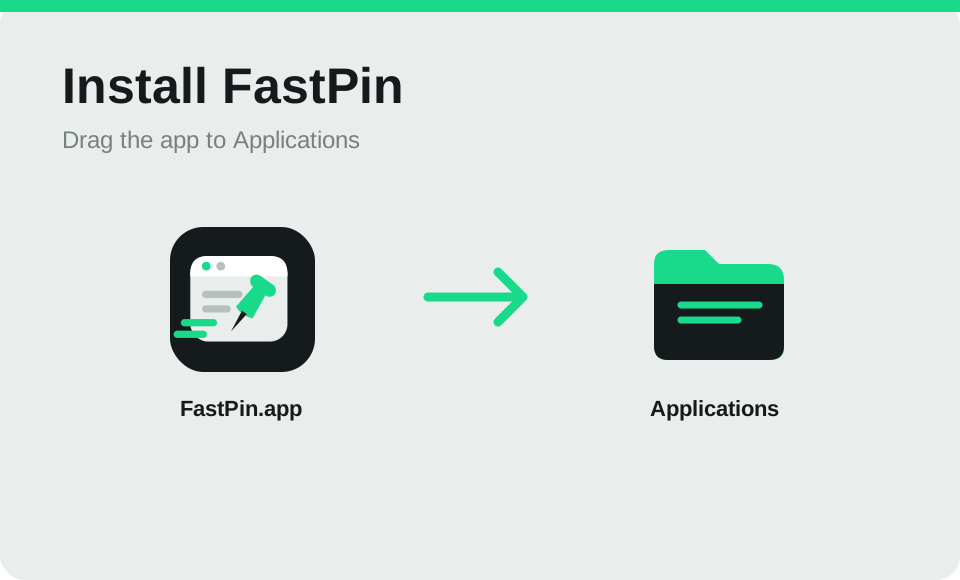
Previews are not notarized yet. If macOS blocks the first launch, follow Apple's instructions. Setup checks Screen Recording, Accessibility and Input Monitoring automatically. Accessibility enables Element detection and mouse shortcuts; Input Monitoring enables both double-tap gestures.
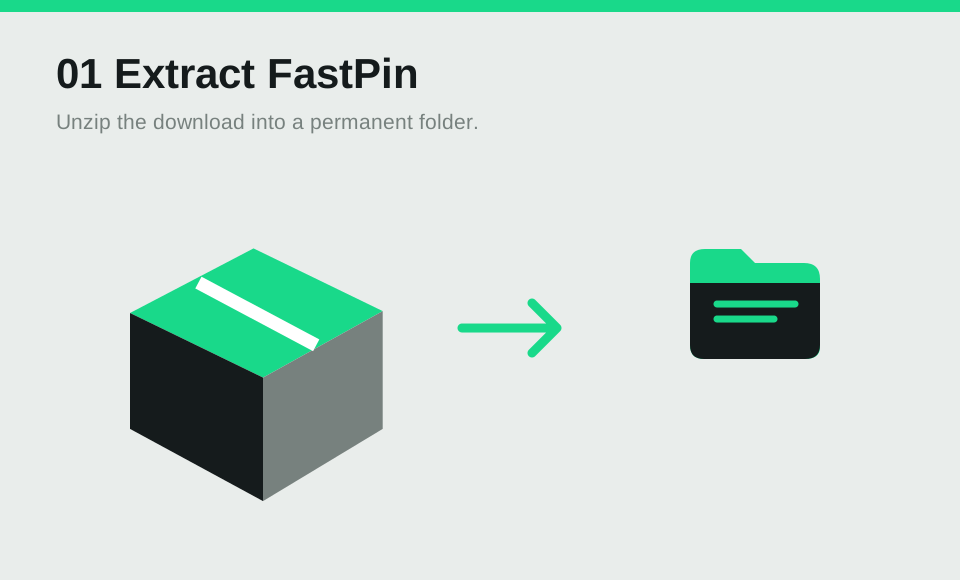
Extract the ZIP into a permanent folder, then register it once and launch from Start.
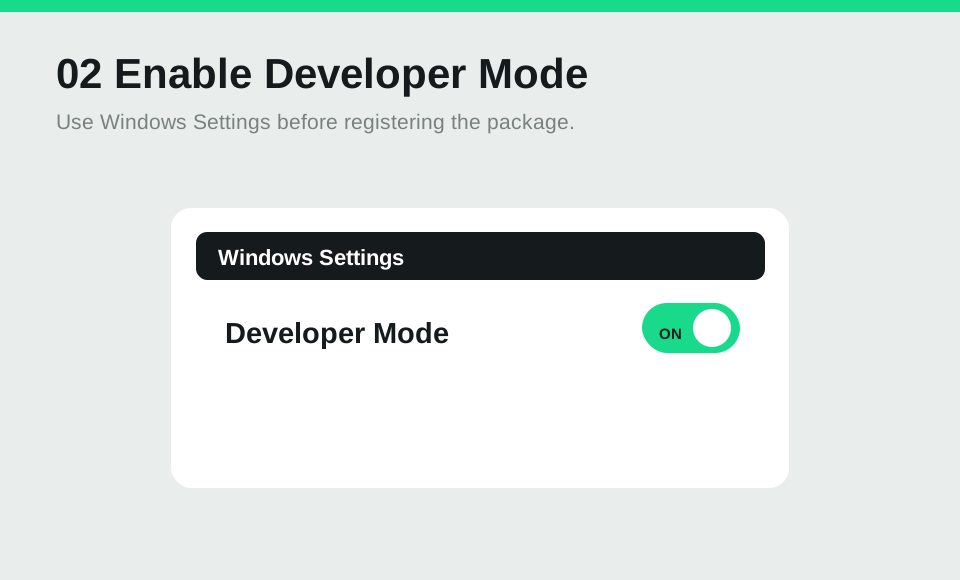
Turn on Developer Mode, open PowerShell in the folder and run Add-AppxPackage -Register "$PWD\AppxManifest.xml". Windows updates are manual for now.